Quilt DevLog
A downloadable tool
okay so i'd just like to start off by saying that I had written a lot of my stuff down, however, my computer had decided to reset and essentially get rid of my whole dev log. Its kind of made me a little burnt out to try and rewrite everything so my apologies. I have most of the code in a separate page to keep tab of my work progress, so I'm going to try and redo this all from memory and what I had written down. I am lucky enough to have had another log saved from Monday—I forgot to publish it but regardless it has some more context on my progress while making this.
so after the first class on monday, I had managed to tweak stuff around, making my rows I had a lot of difficulty but i mainly think it was because I had trouble getting used to LOGO and didn't realize why my code was making this weird path for a really long time, I had just assumed it stretched super far but no it actually looped around, which was nice to know. After I began to try and see if I could try to make more rows, this is where I struggled the most. Not only that but around the time I was relying on the history but that got on my nerves continuously.
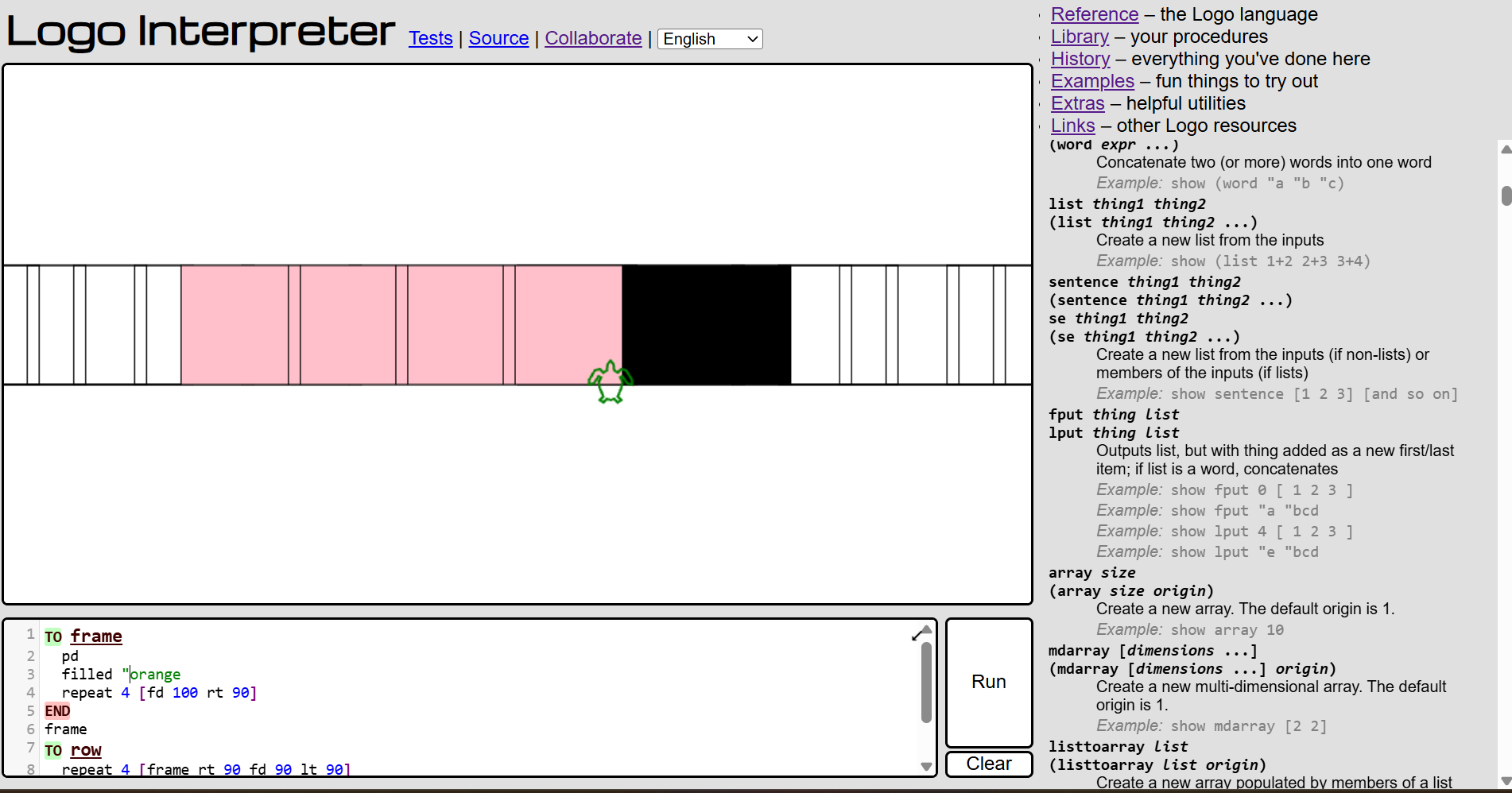
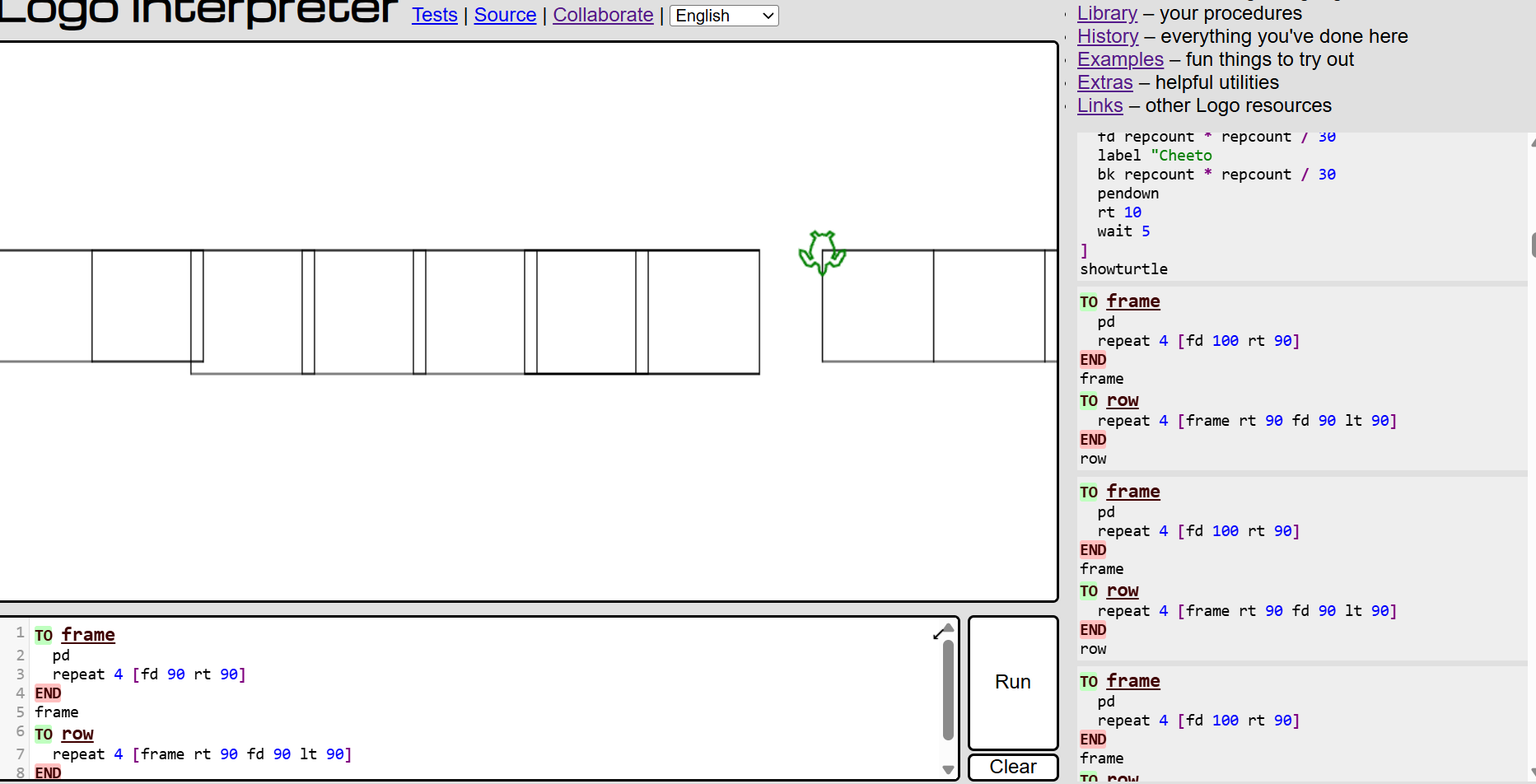
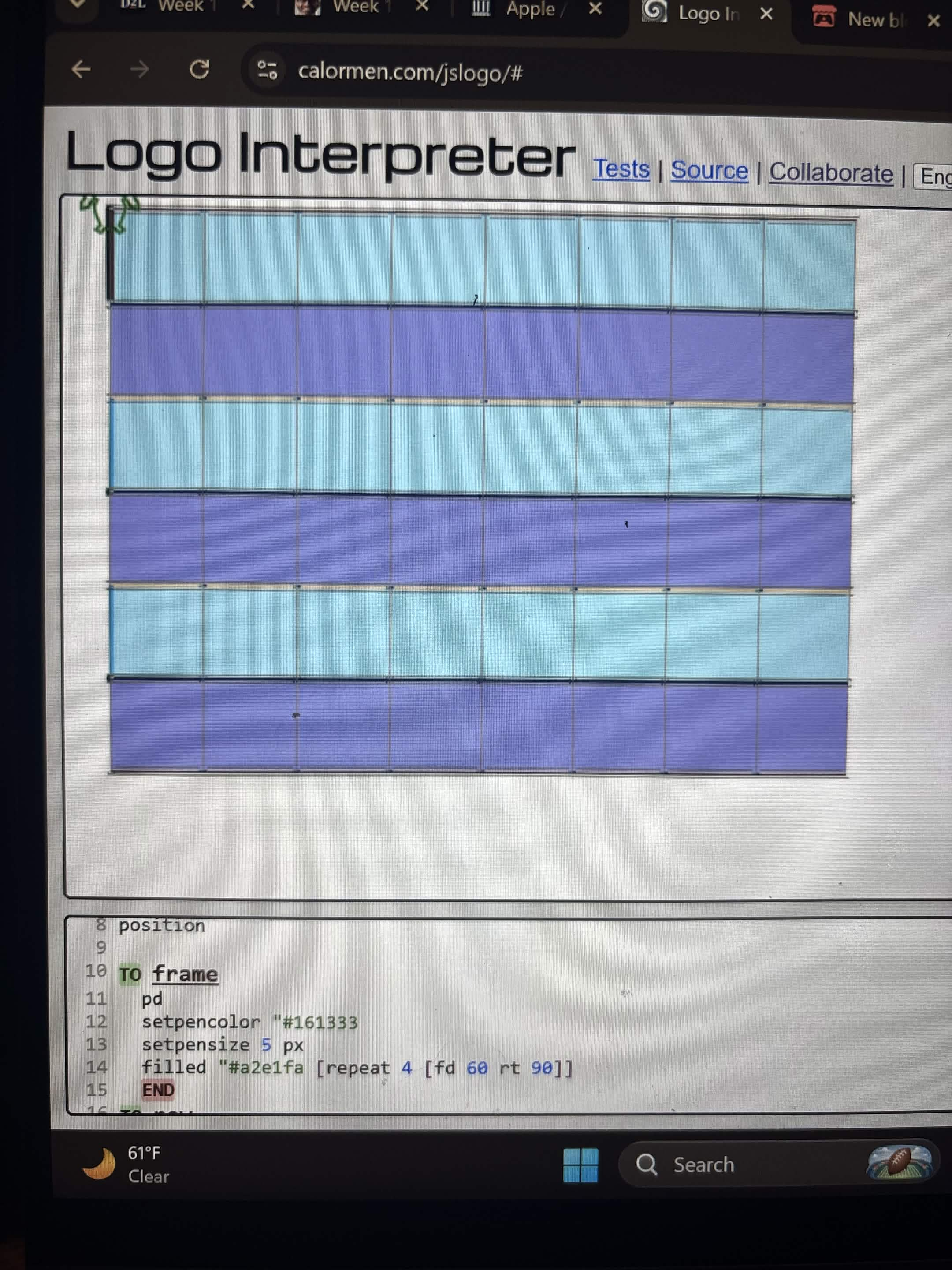
I wont lie I struggled a lot while trying to get the rows to work, because a lot of the time it would just go wonky, its also when I began to learn about setpos which helped me start the beginning and end point of the quilt. I kept getting extremely frustrated with trying to even come up with a grid and the longer I spent on trying to make the rows the more and more discouraged I became. However, I was able to ask help from a fellow classmate who let me examined their work, which was extremely--EXTREMELY helpful and not at the same time because I still couldn't understand it--I would compare our codes and not understand why mine couldnt work so i decided to step away to give myself time to cool off and focus on other work. From my past experiences with coding it always caused me a lot of stress and I had to learn the hard way that I need to take time to regroup myself. But for the time being the code looked like this.
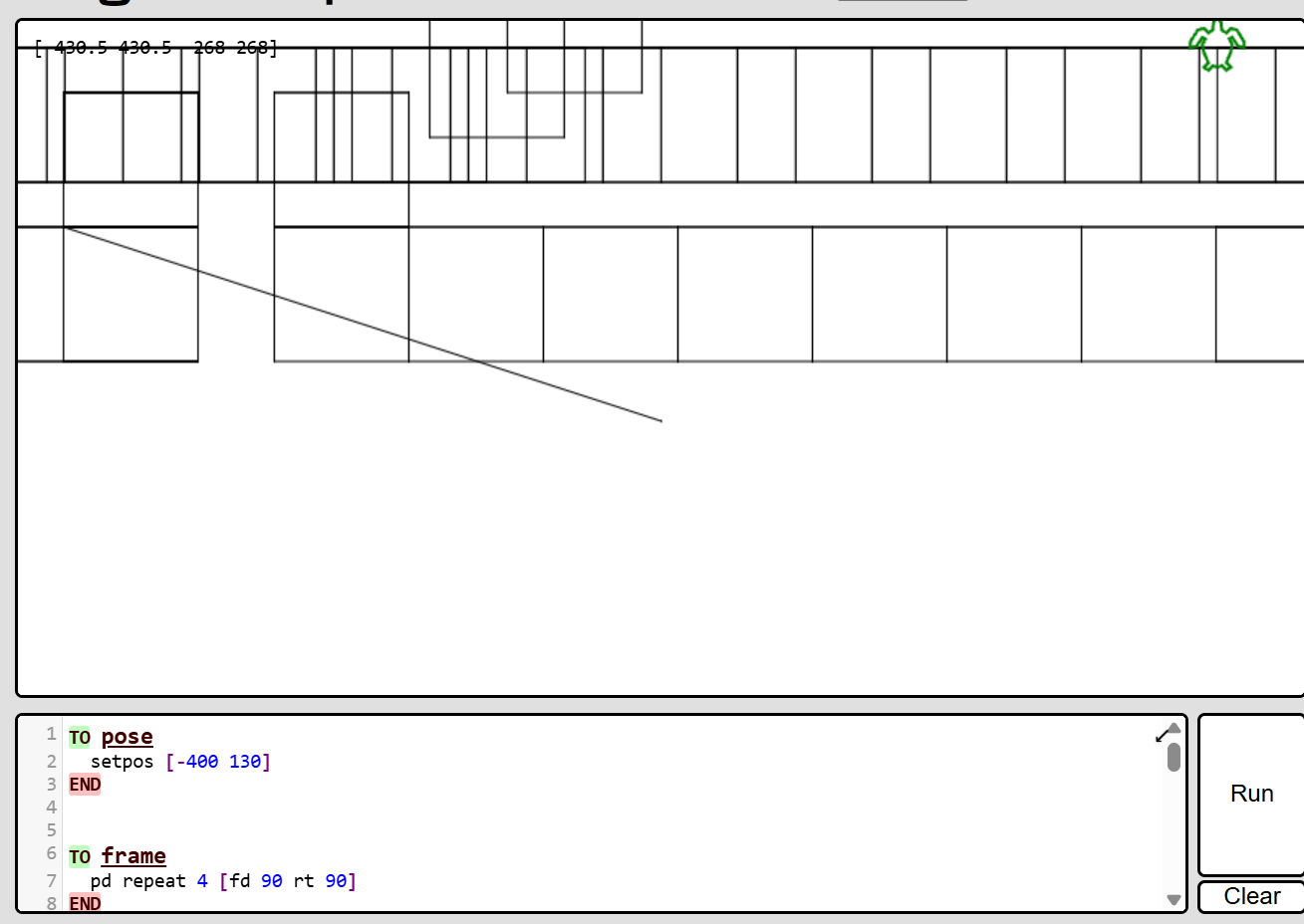
So when I came back from a break, I decided to essentially restart my whole code so I could try to make it step by step. Which I think helped in me, because I kept trying to tackle it all at once rather than take it slowly. I began to actually try messing around more with lt, rt, and fd more and it made it easier for me to visualize. This is also where I began to realize how I could make my rows go across.
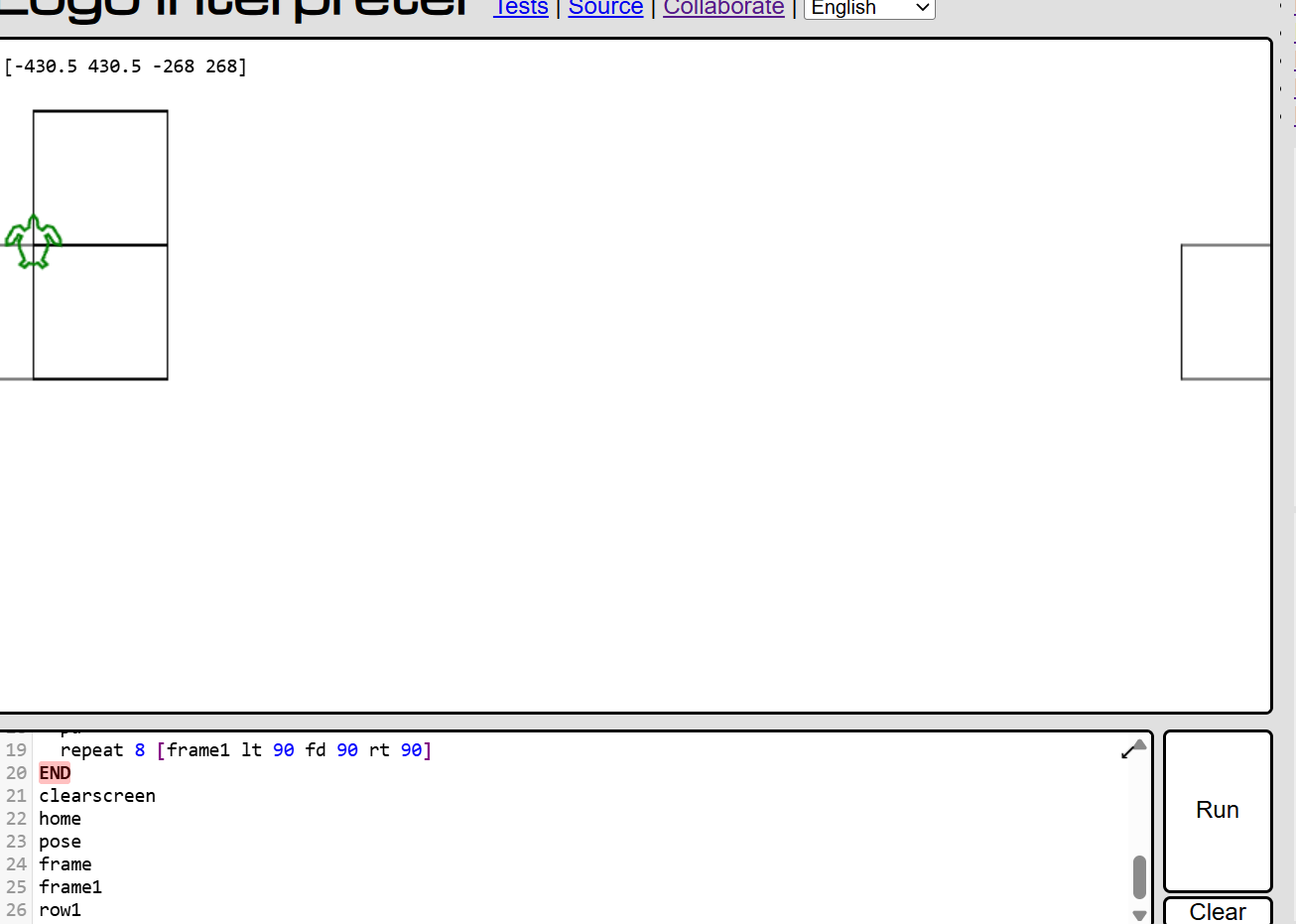
I think this is where it started to make more sense to me, because I realized here I could use the bk command to start the next line and repeat what I wrote except I would need to switch the lt and rt positions so it could go left.
And I just repeated this until I got my six rows. From there, I wanted to make them smaller so all the boxes could fit on the screen.
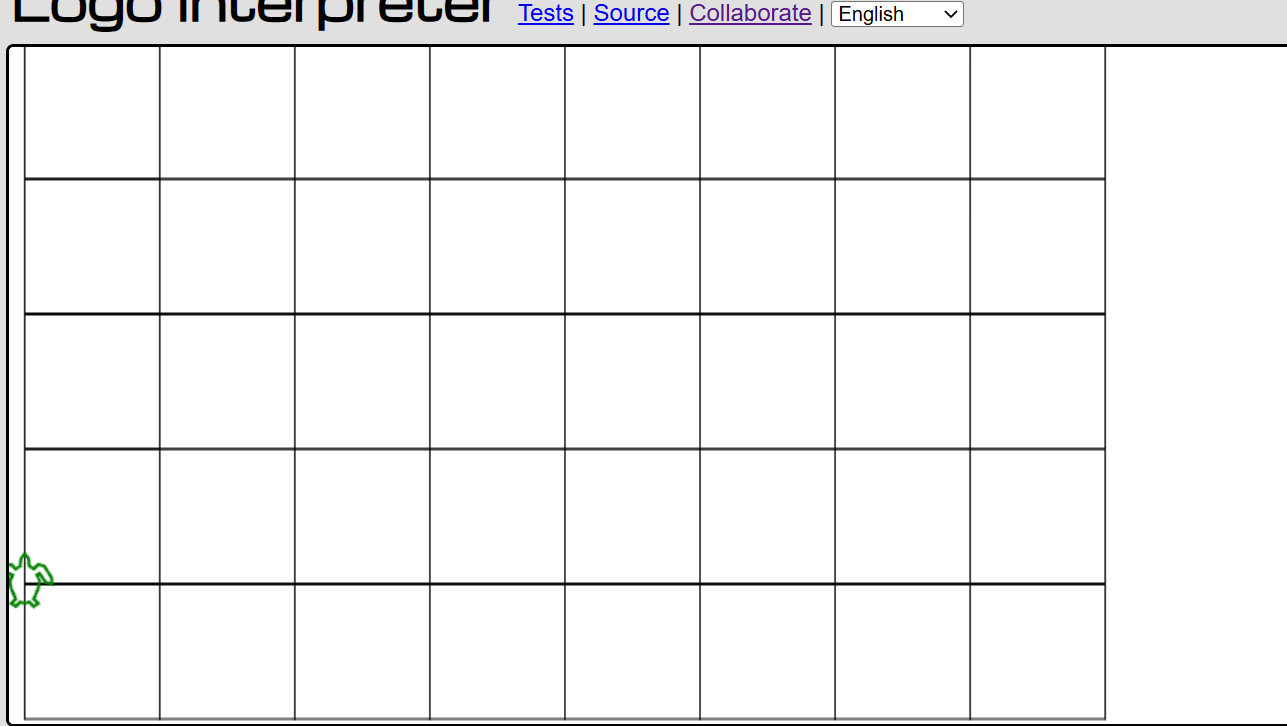
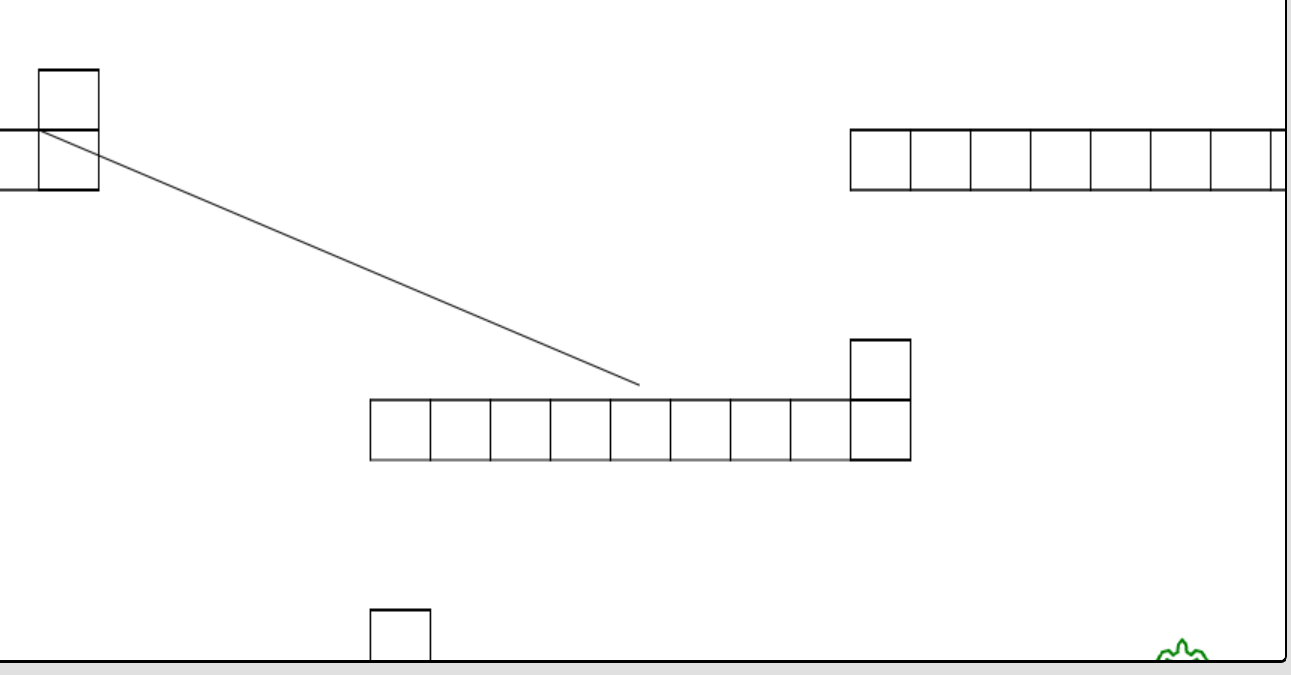
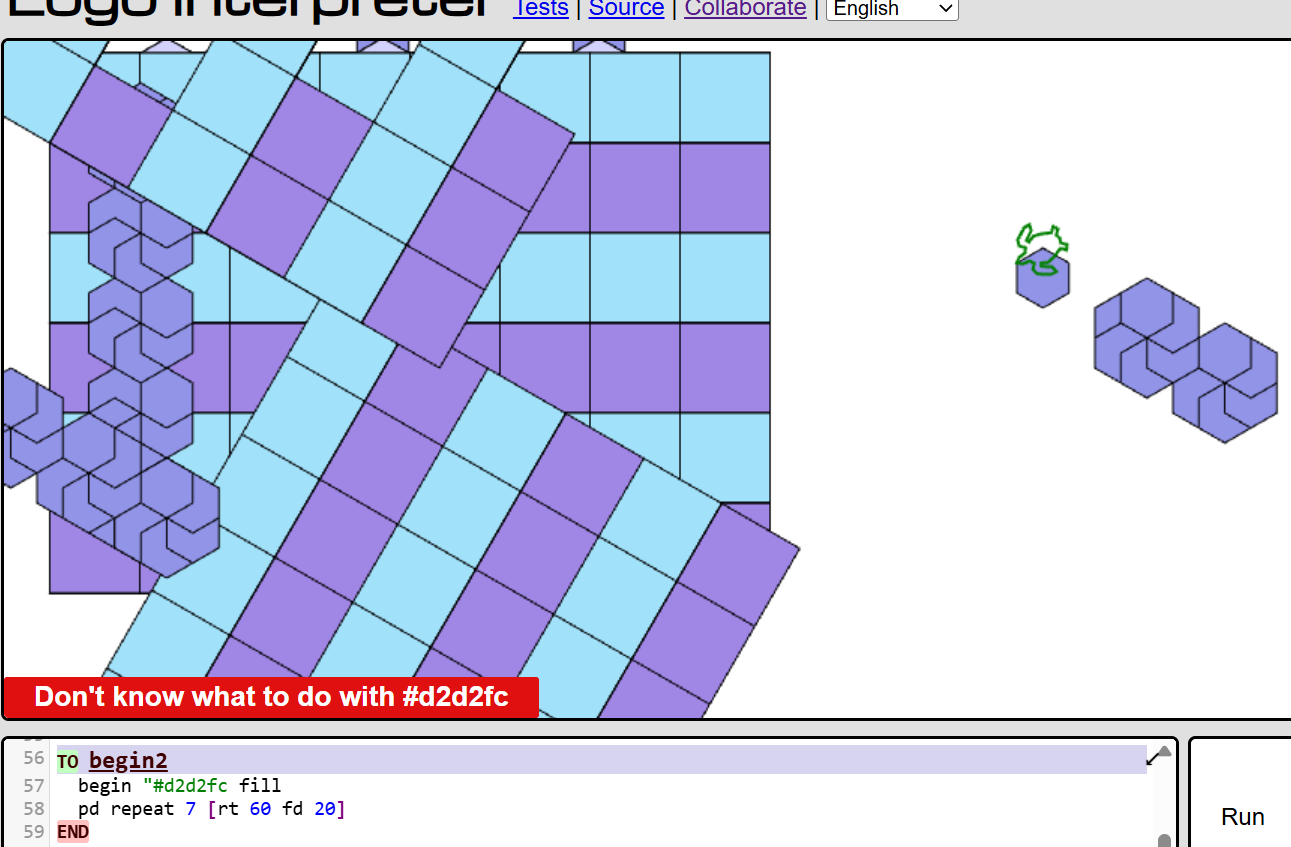
Which meant I kind of had to restart what I made to help me visualize what I was seeing because if I tried to manually change the size w the fd command, it would create something like the image below. So my best solution was to start where I made my first row and changed the size of the boxes and just repeated what I did for the big boxes, leaving me with around 11-13 functions.
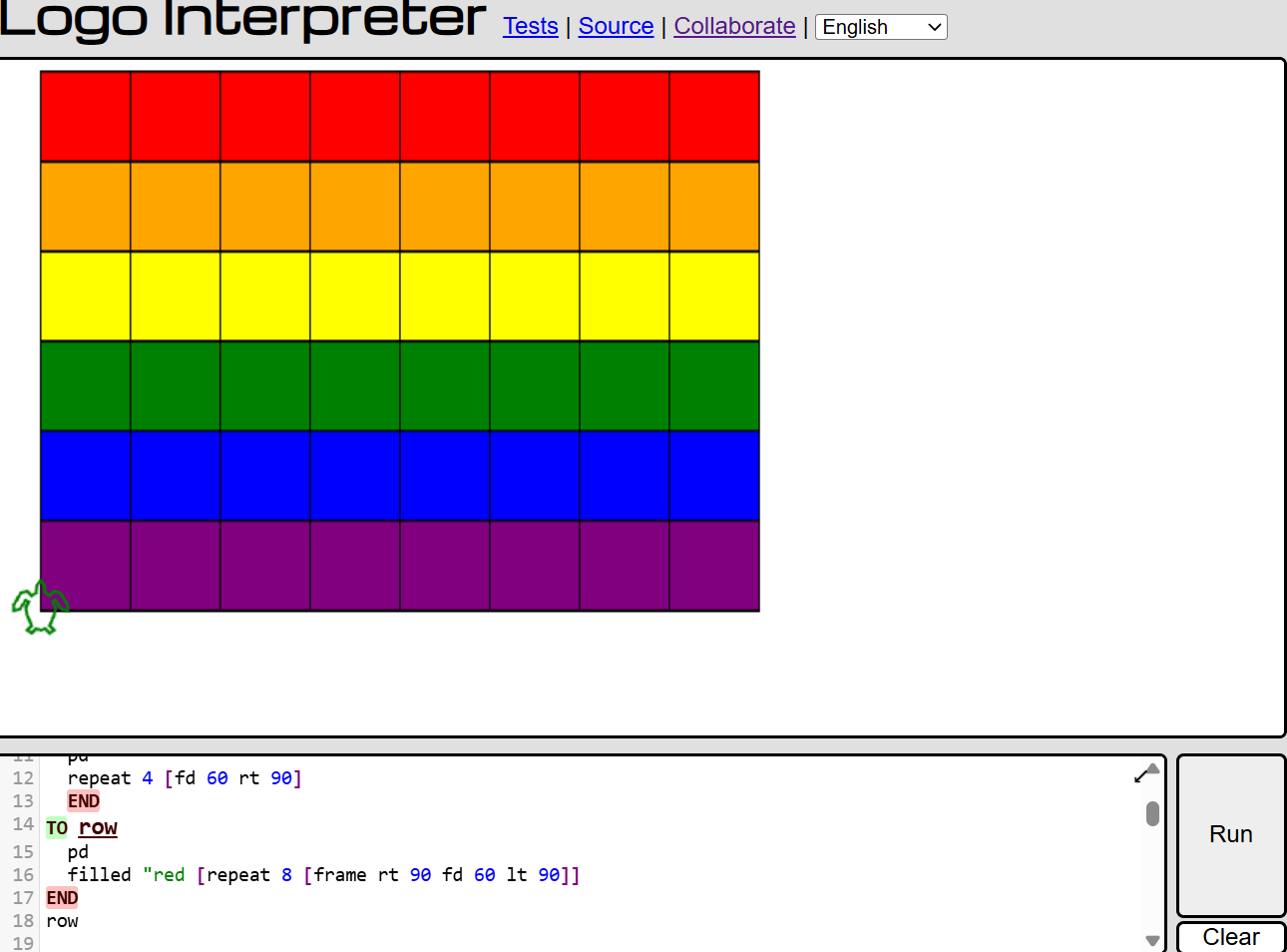
Now I wanted to cut down the amount of functions I was using so it would be easier for the pattern I had in mind for the quilt, so what I did was basically keep the first two lines, and in another function as set1 where the turtle would go back like 120, then repeated the rows by 2 and repeated this three times, so then if i colored the frames it would be like a pattern of sorts.
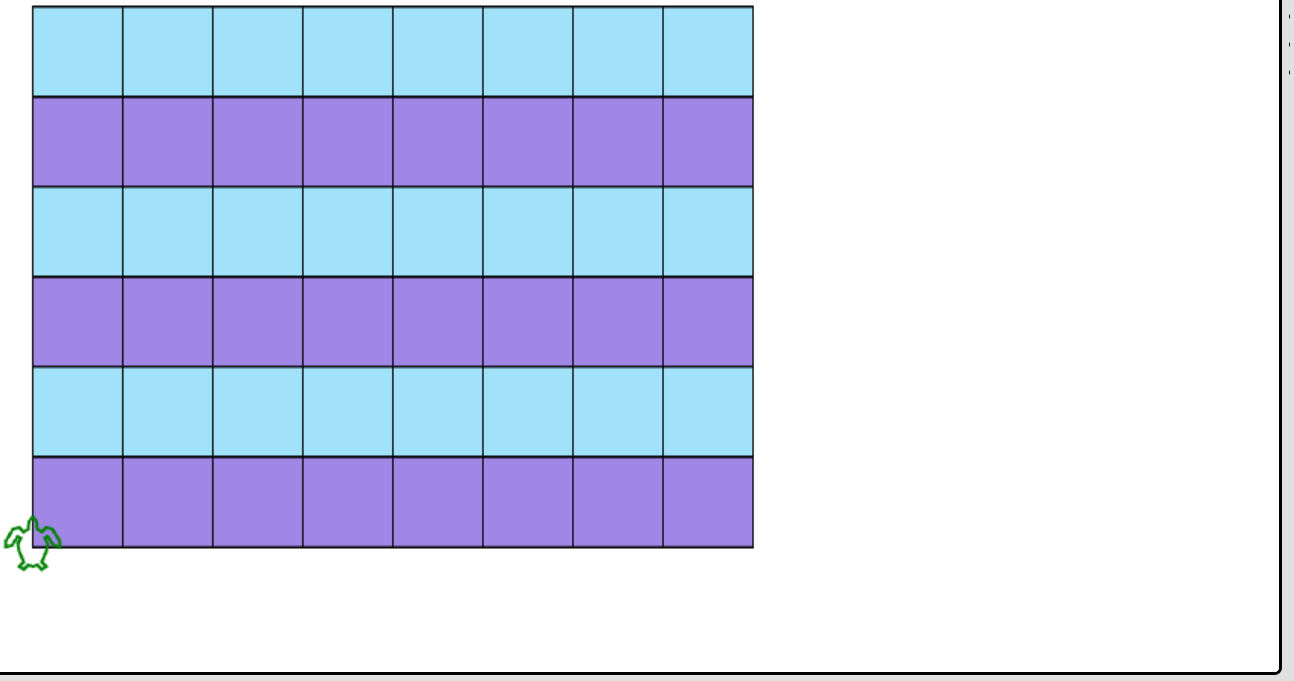
Now after I got my first half the quilt done, I needed the design. On Monday when we got to test LOGO out in the class, I made like a weird shape thing I managed to complete, making this cute hexagonal shape, which first I had to figure out how to make it into a pattern, so with creating the shape, I made a function called "span" which at the time I didnt know direction it would go into, would create a row, to which it went up! I realized it would be similar to the blocks so i then went to try and repeat what I did, though it took me a couple of tries, I also realized If i wanted to keep it a specific way I couldn't color the odd rows unless I wanted it to turn out funky looking and have a jagged edge unlike the rest of the hexagonal shapes.
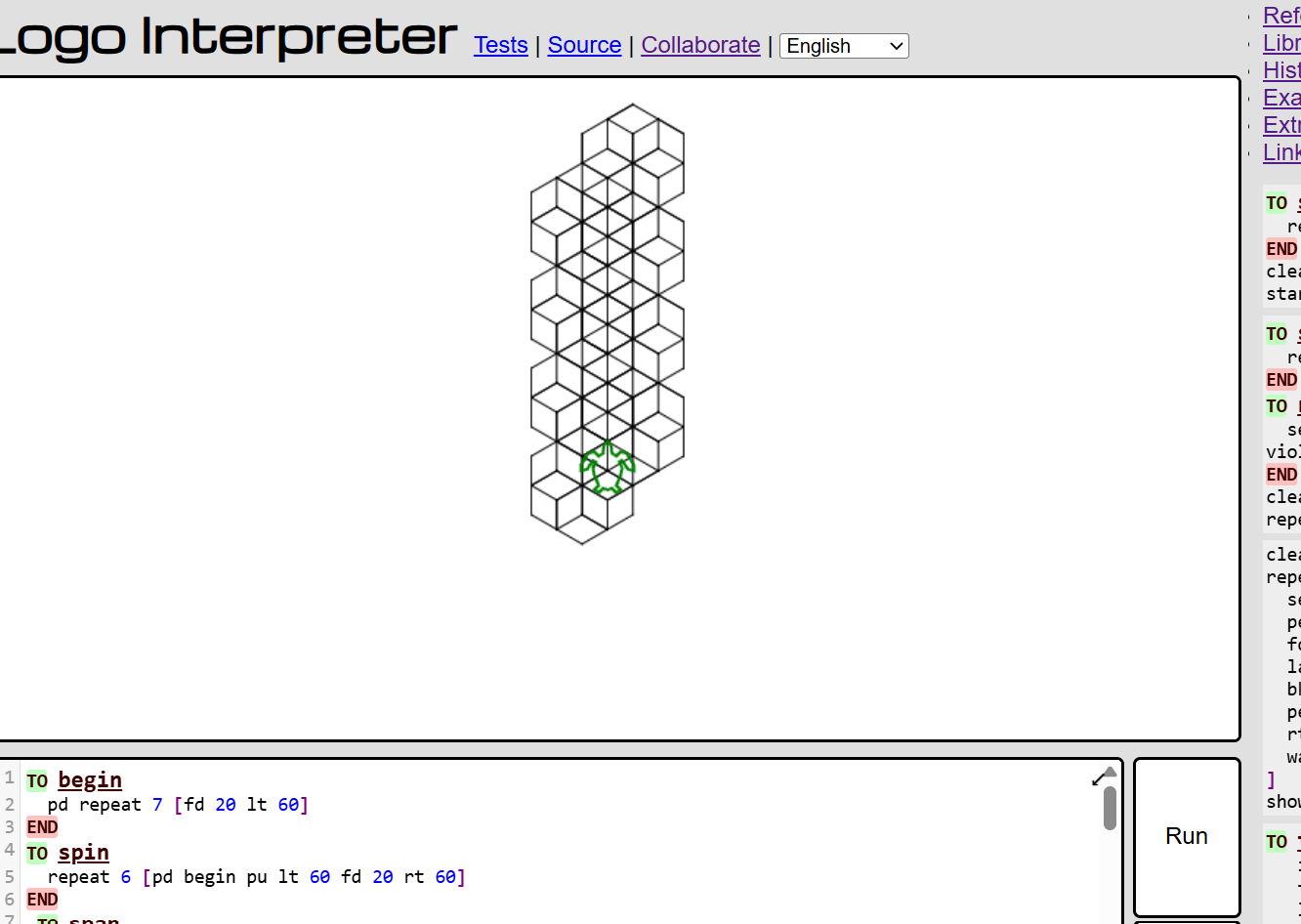
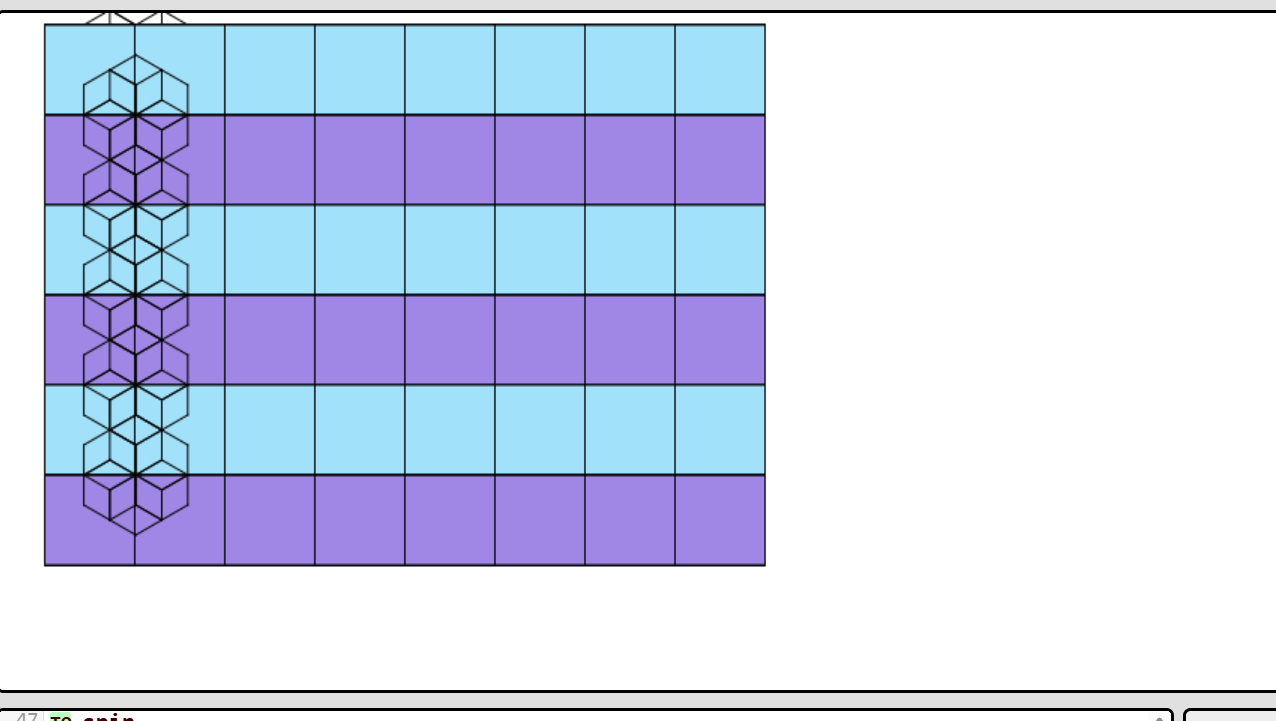
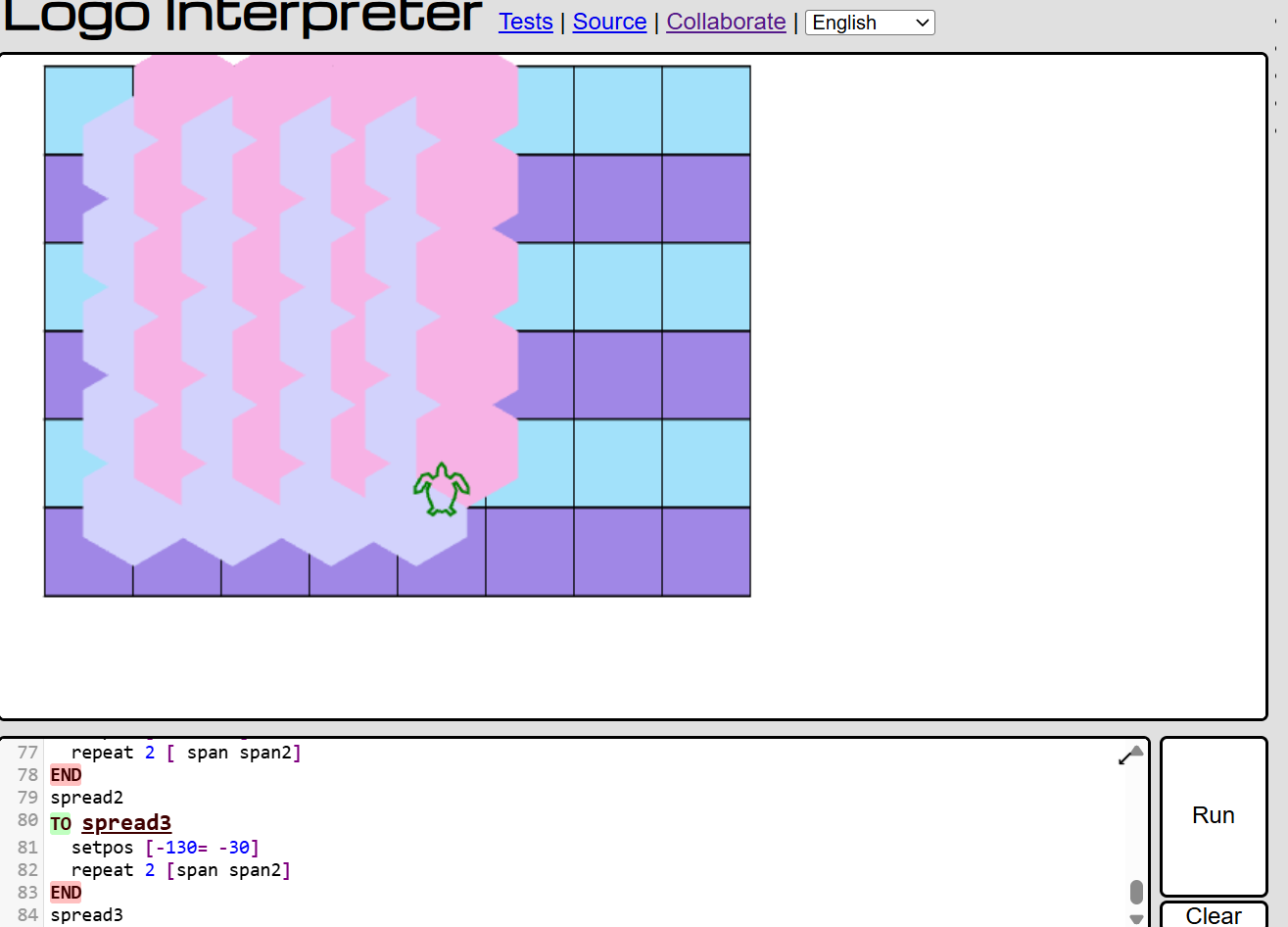
So i experiemtned with colors, and i actually almost lost my pattern and progress when I made a huge mistake because for some reason, there was a line that would pop up at the bottom that was clearly visible and it peeved me a lot. But I realized I just put the pu at the wrong spot.
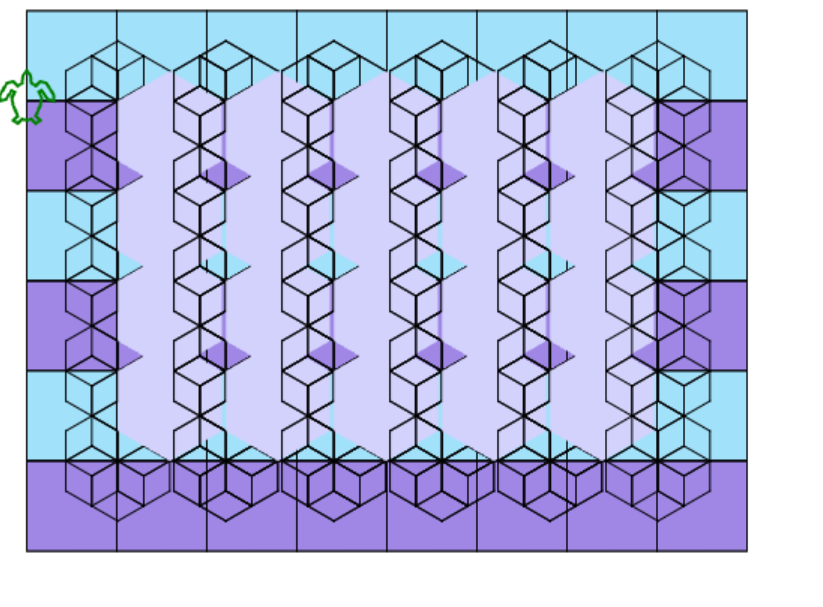
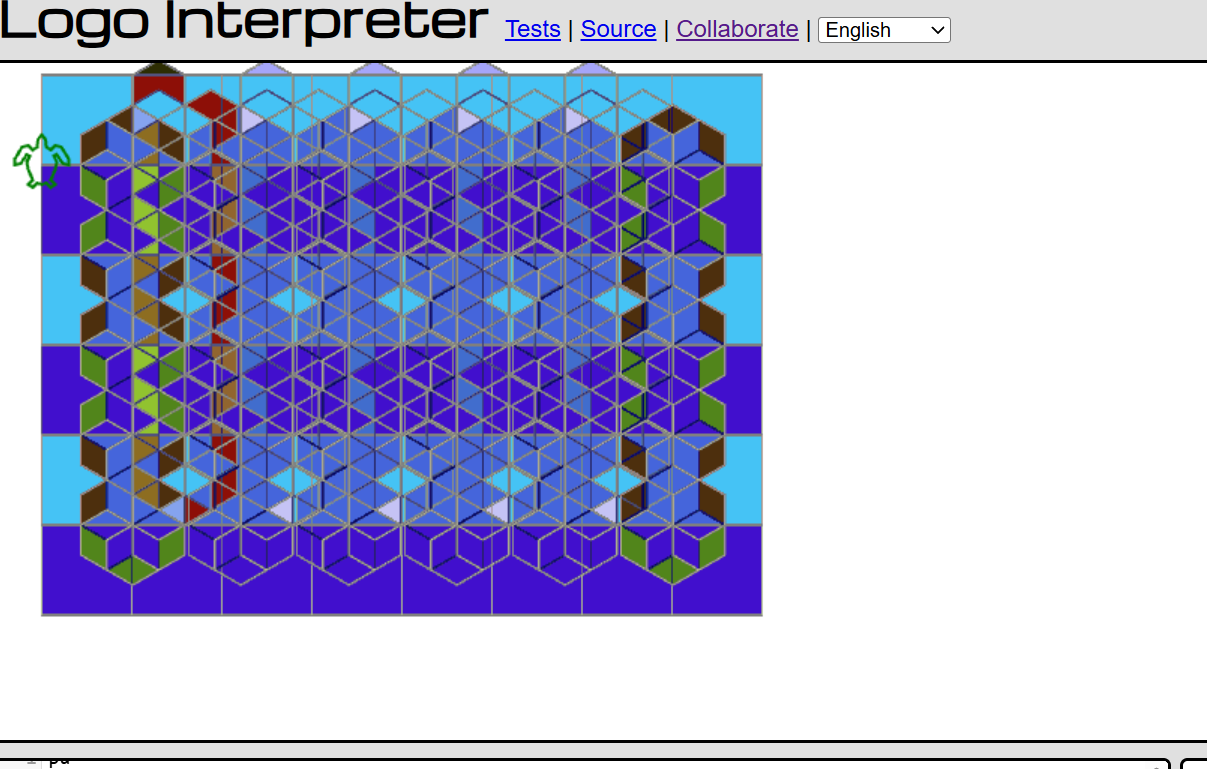
So once i messed with the stuff a little more, I finally came up with my final design! very simple, but i think it works. Around this time i was also messing with the pen color and size with the blocks and the pattern, and got some interesting stuff .
But this is the final product i went with!
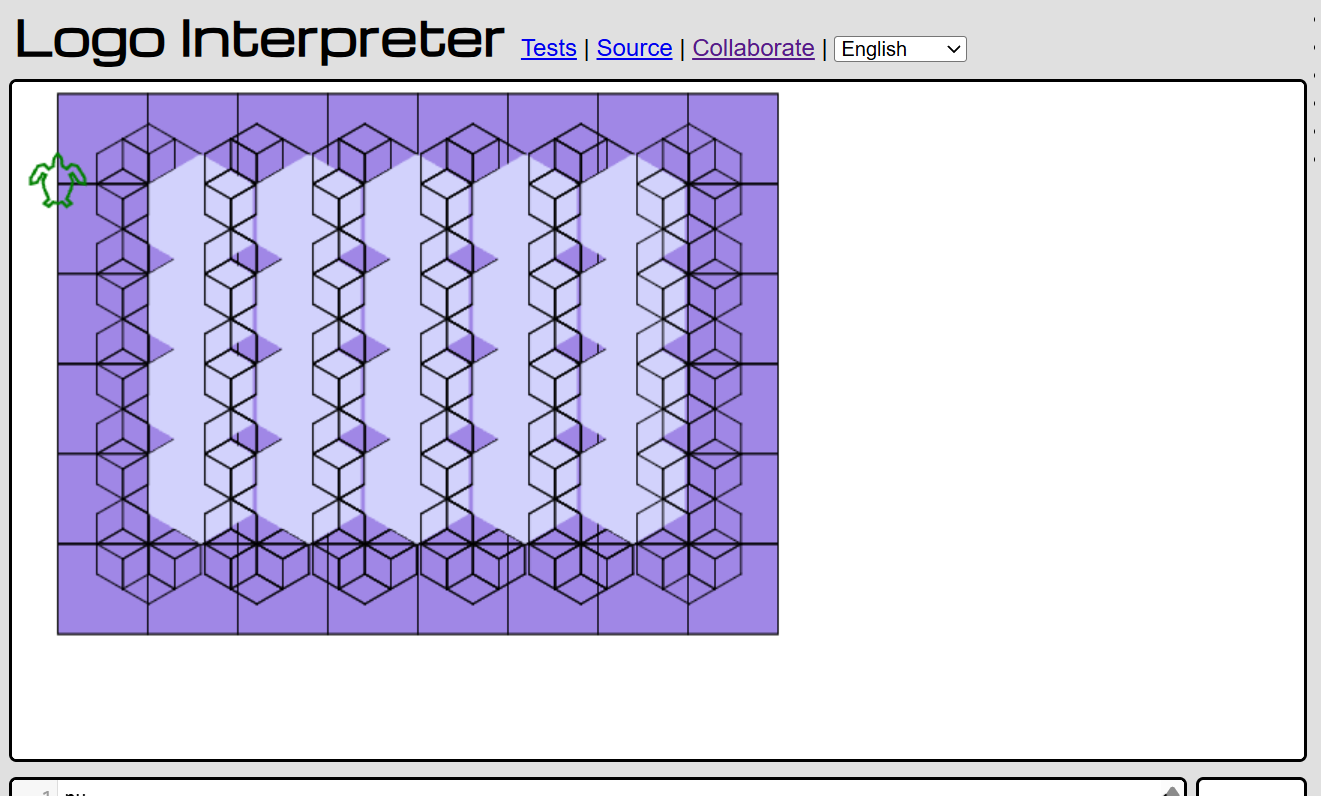
Here are some of the wonky examples that I managed to get from playing around. Honestly I think what helped me a lot was to be more patient with myself and take it slow rather than trying to rush it. Here's also where I was able to record most of the code I found successful and in case I needed to go back and not let it get buried under the LOGO history. One of my friends recommended it and it was a huge life saver when my computer restarted and I forgot to save my original dev log so yay!
I had a lot of ups and downs with LOGO, mainly because I felt stuck most of the time while writing, it frustrated me how slow I was going at trying to understand LOGO when it really shouldn’t have been hard to understand in the first place. I think giving myself more time to think and actually experiment. I think LOGO can be pretty fun to use, especially when the code goes gives me something I didn’t really expect to see such as if I tried to set the pen color it would make the lines look transparent or if I changed the pen size it would blow up the lines and create this overlaying effects on each other.
Development log
- jam progressss4 days ago
- Messing around with random and noise on Lua18 days ago
Leave a comment
Log in with itch.io to leave a comment.